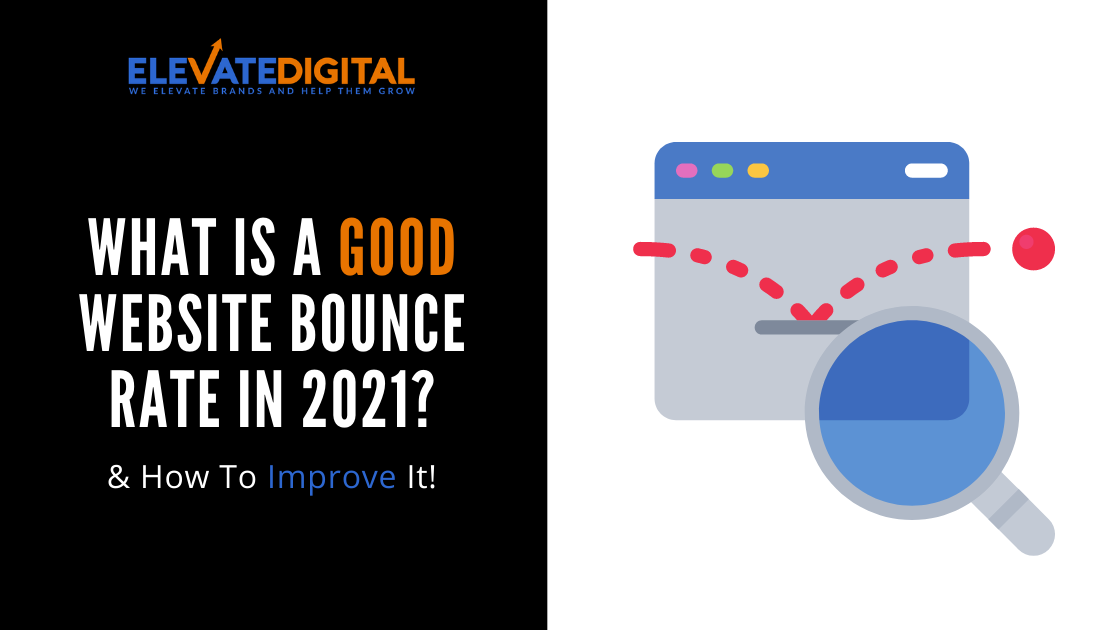
What is a good website bounce rate?
The short answer: a good bounce rate is anything less than 58%.
Now that you have the answer, you can see that it doesn’t really tell you much. To get the most out of your website, you have to go into the weeds.
The bounce rate can vary based on channel, page, segment, and other elements of your site. Beyond these metrics, many factors could be affecting your bounce rate.
Ultimately, with the right analytics and understanding of your bounce rate, the data will guide you to lowering your bounce rate.
In this sense, lower is better, and here is how you can achieve that.
What does “bounce rate” actually mean?
A bounce rate simply means the rate at which users leave your site after landing on it. The rate itself is calculated based on how many sessions result in the user leaving after visiting one page.
The lower the bounce rate, the more likely your users are liable to stay, hang around a bit, build desire for what you offer, and then potentially become customers (bumping up that coveted conversion rate).

While one can think of many, extraneous reasons as to why someone would suddenly leave once they arrived (they didn’t mean to go there in the first place) or even why they would stay (mindlessly clicking around), the ultimate goal is then not simply having them stay put, but having them engage with your site.
What affects bounce rate?
Now, here’s the meat of it. To see what is affecting your bounce rate, you should first determine which bounce rate.
- Channel bounce rate: Not every visitor is coming from the same place. Someone who organically searches for your site is probably less likely to bounce as opposed to someone who was directed to your site from email or an advertisement. With this in mind, you can see which channels of visitors require the most attention.
- Page bounce rate: You might have different landing pages that visitors can land on, such as your front-facing home page, a product page, or a blog page. Just as with the previous channel-based lens, you can better assess which page is giving you problems with your bounce rate
- Segment bounce rate: With this view, you can better pinpoint the exact spots where users leave. Suppose that all is well on the upper section of a home page, but a multi-media segment of the page is buggy, causing users to flee in horror. This view can help you isolate the segments that need the most attention, saving you the hassle of reworking entire pages
Now, with these types of bounce rates in mind, you can delve further into specific elements of the page that can affect bounce rate.
- Loading speed: Perhaps your site can’t handle the traffic, most users hit with a long loading screen will leave immediately. Perhaps this speaks more to modern impatience, but users today expect immediate and responsive pages.
- Bad design: As much as a good ol’ static HTML website can be a throwback, we can’t all be Warren Buffett. It is probably jarring for users and indicates that you don’t really care about either their experience or your own website. Here, go the extra mile and research intuitive UX elements and trends.
- Too many pop-ups: When you walk into a store, do you want everyone to run up to you and start shouting to buy their products or watch their videos? No, so let’s not do it to our websites.
- External links: While external links are fine on their own, placing too many on a landing page can have negative effects. The moment users arrive, they are directed elsewhere, rendering your website a stepping stone to other websites.
- Too much text: Text can be great content, but piles and piles of text can become a castle wall, fending off potential users. Say what you want about attention spans, but unless you are a website devoted to books and literature, your users likely didn’t go there to read.
How to improve your bounce rate?
Now you know some of the many elements that can affect bounce rates, lowering your bounce rate is about honing these elements to your users.
- Boosting load time: This can be a little complicated, as there are several ways to improve load speed. Here are just a few:
- Reduce overall HTTP requests
- “Minify” or combine files to reduce the total number of files to be loaded
- Defer larger files to load later, so other important content can load first
- Choose a faster server or hosting service
- Reduce image sizes
- Internal Links: Whereas external links led users elsewhere, links to other content can engage users and nudge them to further explore your website. Naturally, to make this element work, you need …
- Better content: With better content, they not only can function as destinations for internal links but also as landings for organic traffic. If the content is honed into what your users are looking for (or perhaps what they look for before they think about your product) they can aid your larger SEO campaign as well as reduce your bounce rate.
- All hail the funnel: Full-marketing is about guiding a potential customer through all stages of the process leading to conversion. The key insight here is that you might be fantastic at brand awareness or even getting them to consider your product, but it might not be clear how to purchase your product or subscribe to your service. Each next step must always be clear.
By breaking down your site’s specific bounce rate, you can better gauge what to focus on improving. The above-listed steps are a good starting point for finding out what is driving up your bounce rate and how to address some of the biggest hiccups.
Your website should be engaging, intuitive, and concise.
To help with this, Elevate Digital offers a free analysis of your website via a 10-15 minute screen-share video, where we offer practical and tailored tips to help lower your bounce rate.
Want to reduce your website's bounce rate?
Book your FREE website and marketing review today and we’ll record you a 15-minute personalised video showing you how to skyrocket your sales and signficantly increase the returns from your website and marketing.

He's often referred to as the marketing scientist for his ability to look at a business (in any industry) and quickly identify sales bottlenecks and make creative marketing solutions to achieve breakthrough results.
In her spare time, Rich is an avid-golfer and a personal development enthusiast! He's also a keen trader 📊📈
- What Is Backlink Profile & Why Is It Important For SEO - June 22, 2021
- How To Use Email Marketing To Increase Sales - June 15, 2021
- Is Buying Backlinks Bad For SEO? - June 8, 2021